Streaming sticks are cheap again — here is the one to get
The Roku takes it on the strength of a home screen that is not built around one store's catalog, though the $37.99 Fire stick plays the same apps for less.
We earn a commission if you buy through our links, at no cost to you. It never decides what makes the list.
Side by side
The picks

Roku Streaming Stick 4K with Voice Remote
4.7 stars across 99,037 ratings, the best average on this page, with HDR10+ and Dolby Vision, on a platform that treats every app the same. That neutrality is the reason to take it over a Fire stick.
Watch outThe dearest stick here, and the cheapest Fire stick runs the same apps for a third of it.

Amazon Fire TV Stick 4K Plus, Wi-Fi 6
The newest 4K Fire stick at $37.99, with Wi-Fi 6 and 4.6 stars across 114,708 ratings — more feedback than anything else on this page. If you already pay for Prime, its home screen is pointed your way anyway.
Watch outThe $69.99 list is Amazon's own number on Amazon's own hardware, and these sticks get discounted often.
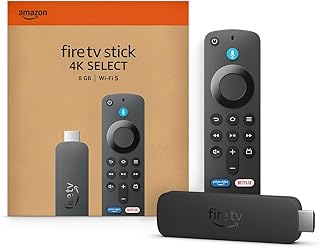
Amazon Fire TV Stick 4K Select
Eighteen dollars for a 4K Fire stick, which is the cheapest route onto a modern streaming platform on this page. It is the stripped version of the 4K Plus above and streams the same services.
Watch out4.1 stars is the lowest average on this page, and no Wi-Fi 6 is claimed in the listing.

Roku Streaming Stick HD with Voice Remote
Roku's interface and voice remote at thirty dollars, and a 4.6 average on a substantial record. Read the model name carefully: this is the HD stick, so it does not output 4K at all.
Watch outHD only. On a 4K TV this is the wrong stick, and the 4K Roku is the one you want.

Amazon Fire TV Stick 4K Max, Wi-Fi 6E
Seven dollars over the 4K Plus, and what the listing adds for it is Wi-Fi 6E. Worth taking only if you already run a 6E router and the TV sits some distance from it.
Watch outNothing you stream needs 6E bandwidth; 4K video fits inside what Wi-Fi 6 already carries.
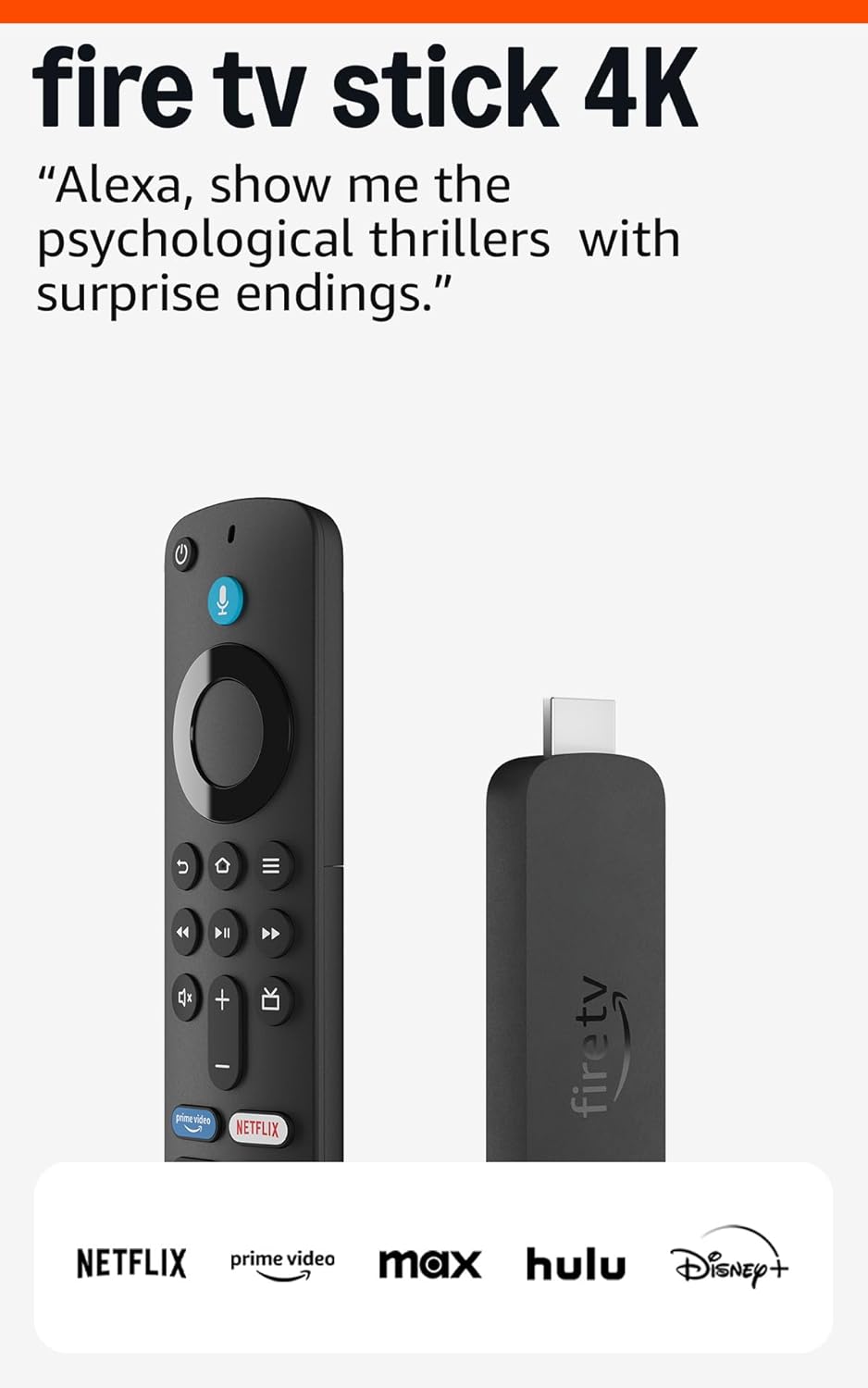
Fire TV Stick 4K, Like-New condition
A refurbished 4K Fire stick with Wi-Fi 6, sold three dollars under the price of a new 4K Plus. That gap is small enough that the used one is hard to argue for.
Watch out1,058 ratings is the thinnest record here, and a Like-New listing's history is its own, not the new model's.

TiVo Stream 4K, Android TV
Runs Android TV rather than Fire TV or Roku, with Dolby Vision and Atmos in the spec, which makes it the pick if you want Google's app ecosystem on an older TV for under forty dollars.
Watch out4.2 stars sits below every Fire stick here but the Select, and it asks $2 more than the Fire 4K Plus.
Xiaomi TV Box S 3rd Gen, Google TV
A box rather than a stick, with 32GB of storage, HDMI 2.1 and Wi-Fi 6, running Google TV. The storage is the point: it holds far more apps than a stick before it starts evicting them.
Watch outFive times the price of the cheapest Fire stick, for an interface difference rather than a picture one.
What actually matters here
- 01Every 4K stick in this class outputs the same resolution, so that is not the deciding spec. What separates them is the interface you stare at daily, how fast your most-used app loads, and whether the remote controls your TV's volume.
- 02Check for the letters HD in the model name. A cheap stick from a 4K brand is sometimes the 1080p version, and on a 4K TV that is the one difference you will actually see.
- 03HDR formats matter less than they read. Dolby Vision and HDR10+ both need a TV that supports the same one, and a mid-range panel without the brightness to use HDR will show little difference either way.
- 04If the stick goes behind a wall-mounted TV, its antenna is now behind a metal panel. A short HDMI extension moves it clear and fixes more streaming stalls than a faster router will.
- 05The platform decides which apps you get, not the picture. Confirm the two or three services you actually pay for are on it before buying — the gaps tend to be live TV and regional sports.
Questions people actually ask
- Do I need a 4K stick if my TV is only 1080p?
- No, and a 4K stick will downscale to 1080p without complaint. Prices have converged enough that it is worth buying the 4K one if the TV might be replaced in the next couple of years. If the TV is staying, the cheaper stick is fine.
- Will a streaming stick make my old smart TV faster?
- Yes, for everything but the panel. Apps launch and scroll at the stick's speed rather than the TV's, which is the main reason to add one to a set that is five or more years old. Picture quality stays whatever the screen can manage.
- Do I still need a stick if my TV already has the apps built in?
- Only if those apps are slow or no longer updated. TV makers stop shipping software updates years before the screen fails, and a stick is the cheap way around that. If the built-in software is current and quick, keep your money.