1TB portable drives at the price a 1TB drive should be
The Samsung T7 is the safe 1TB buy here, but the cheapest storage on this page isn't solid state at all, and that changes the math.
We earn a commission if you buy through our links, at no cost to you. It never decides what makes the list.
Side by side
The picks

Samsung T7, 1TB USB 3.2 Gen 2
The default pick here: 4.7 stars across 21,230 ratings, rated to 1,050MB/s over USB 3.2 Gen 2. Buy it if you want the known quantity and don't need two terabytes.
Watch outThe cheapest of the three T7 listings on this page, and the $274.99 list is the seller's number.

SanDisk Extreme Portable SSD, 2TB
Twice the Samsung's capacity for about 26% more money, which works out to roughly $145 per terabyte, the cheapest flash on this page. IP65 water and dust resistance is in the spec, which matters if it lives in a bag.
Watch outNo struck-through list price here, so there is no discount to judge it against.

Seagate Portable 2TB, USB 3.0 (STGX2000400)
Read the title twice: this is a portable hard drive, not an SSD, a spinning platter in a USB 3.0 enclosure. That's why two terabytes costs a fraction of what flash does. Fine for archives, wrong for editing off.
Watch outMechanical drives are slower and shock-sensitive, and USB 3.0 caps transfer speed well below every SSD here. It ties for the longest record on this page at 273,331 ratings, which reflects how long it has been on sale rather than how fast it is.
Seagate Portable 1TB, USB 3.0 (STGX1000400)
The same mechanical drive as the 2TB Seagate with half the capacity, for ten dollars less. On cost per terabyte that is close to twice the price, and the two listings report one shared rating count.
Watch outPriced so close to the 2TB version that there is little reason to choose it.

UnionSine 1TB Ultra Slim HDD, USB 3.0
The cheapest thing on this page, and mechanical rather than flash. It undercuts the 1TB Seagate by a wide margin on price while doing the same job at the same USB 3.0 ceiling.
Watch out2,478 ratings is the thinnest record here, too new to show a failure pattern, and a drive is the wrong place to gamble.

SSK Portable SSD, 1TB USB-C
Rated to the same 1,050MB/s as the Samsung and $60 cheaper, but from a brand most buyers won't know. The spec is there; with 3,742 ratings, the track record is a fraction of the Samsung's.
Watch outThe struck-through list price is the seller's own figure, and there is no support network behind the brand if it fails.
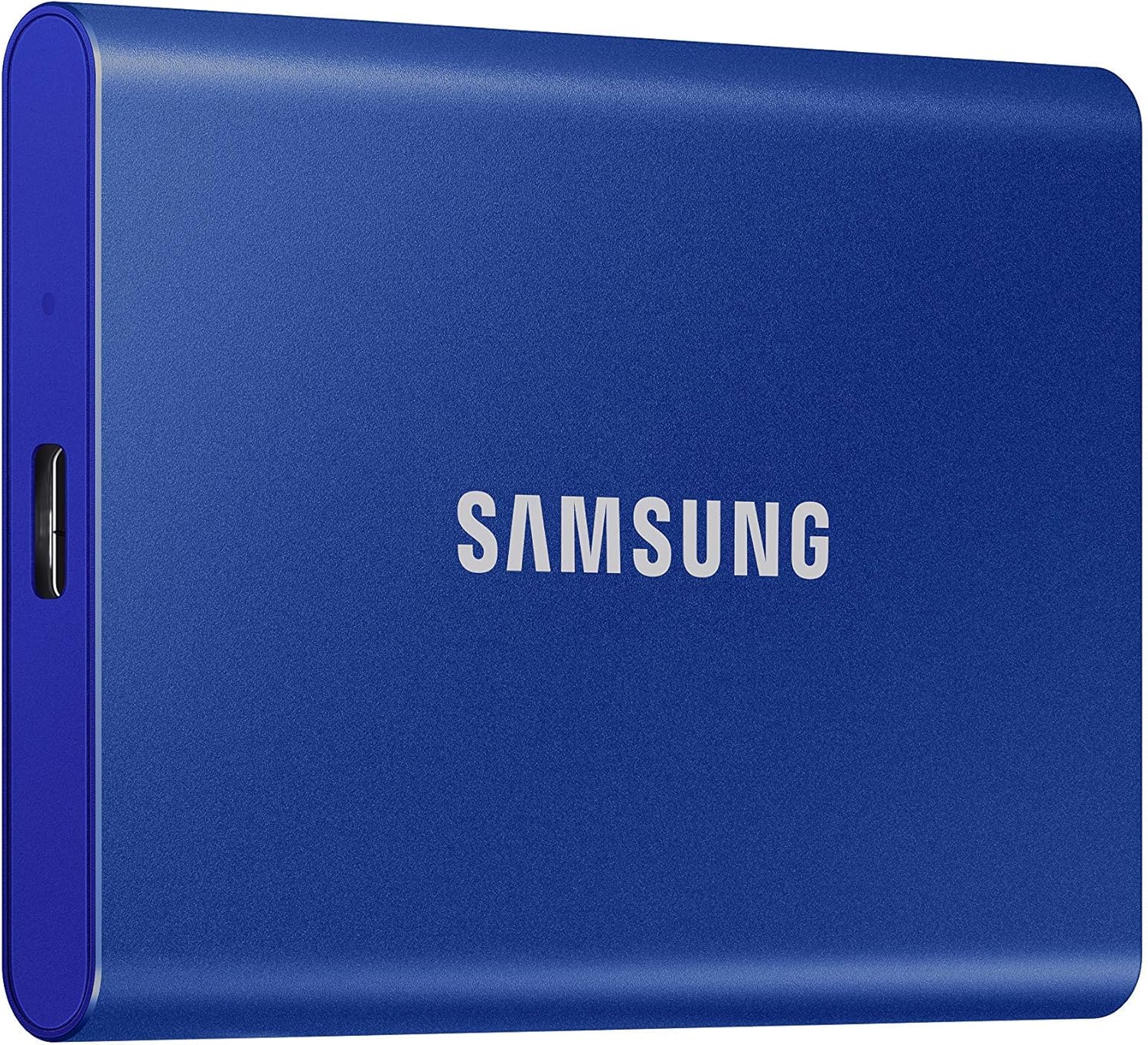
Samsung T7, 1TB in blue
The same T7 as the Titan Gray listing in a different shell, sharing the same rating pool. It asks fifteen dollars more, so this is a colour decision and nothing else.
Watch outCheck both T7 listings before buying; colour variants drift apart in price for no other reason.
Samsung T7 Shield, 1TB rugged
The T7 in a rubberised body built to survive being dropped and rained on, at the same 1,050MB/s rating. The dearest storage per terabyte on this page, and the only sensible pick if the drive lives in a toolbag.
Watch outYou are paying about thirty dollars over the standard T7 for the casing, not for speed or capacity.
What actually matters here
- 01Divide price by capacity before you compare anything else. A drive that looks expensive on the shelf is often the cheapest storage once you get to dollars per terabyte.
- 02Portable hard drive and portable SSD are not the same product. Hard drives use a spinning platter, cost far less per terabyte, and don't like being moved while they're working. If the words SSD or solid state aren't in the title, assume it's mechanical.
- 03The interface caps the drive. USB 3.0 tops out around 5 Gbps and USB 3.2 Gen 2 around 10 Gbps, and a fast drive plugged into an old port runs at the old port's speed. The cable counts too.
- 04Colour variants and capacity variants of one drive often share a single rating count. Two listings with exactly the same number are one product's history, not two independent ones.
- 05Rated sequential speeds describe large-file transfers in ideal conditions. Copying thousands of small files is slower on every drive, whatever the number on the box says.
- 06Any single drive is a single point of failure. Portable drives get dropped, lost and left in cars, so anything you can't lose needs a second copy somewhere else.
Questions people actually ask
- Is a portable SSD worth it over a portable hard drive?
- For anything you run software from or edit media off, yes. Flash has no moving parts and reads several times faster. For cold storage and backups that sit on a shelf, a mechanical drive gives you far more capacity per dollar, and plenty of people end up owning both.
- Will a USB-C drive work with an older laptop?
- Usually, with the right cable or adapter, because USB is backward compatible. You fall back to the slower port's speed, so a drive rated 1,050MB/s on USB 3.0 will run at roughly half that at best. Check which ports you actually have before paying for the faster drive.
- Do I need a water and dust rating on an external drive?
- Only if the drive leaves the house. An IP rating covers dust and water ingress, not drops, and it adds to the price. A drive that lives beside a desktop doesn't need one.