Mesh Wi-Fi: how much you actually need to spend
A $150 Wi-Fi 6 three-pack covers most homes; spend past it only for a multi-gig plan, a big floor plan, or wired backhaul you will actually run.
We earn a commission if you buy through our links, at no cost to you. It never decides what makes the list.
Side by side
The picks

TP-Link Deco X55, AX3000 Wi-Fi 6, 3-pack
Three Wi-Fi 6 nodes at $149.97 is where this category stops asking you to compromise. AX3000 is more headroom than a typical home plan uses, and three units is enough for most two-story layouts.
Watch outAdvertised coverage assumes open space. Plaster, brick and a finished basement each cost you about a node.

TP-Link Deco S4, AC1900 Wi-Fi 5, 3-pack
Three nodes under a hundred dollars, and it ties for the longest record on this page at 4.5 stars over 29,000 ratings. Wi-Fi 5 is old, and on a plan of a few hundred megabits it is still enough.
Watch outWi-Fi 5 has no OFDMA, so a house full of devices bogs down sooner than on a Wi-Fi 6 set.

TP-Link Deco S4, AC1900 Wi-Fi 5, 2-pack
The same S4 hardware as the three-pack with one less node, for about sixteen dollars less. Two nodes suit a single floor or a small flat; on two storeys the third unit is worth more than the saving.
Watch outReports the same rating count as the S4 three-pack, so treat the two listings as one product's record.
TP-Link Deco XE75, Wi-Fi 6E tri-band, 2-pack
Tri-band is the honest fix for wireless backhaul: the third radio carries node-to-node traffic instead of stealing from yours. Two units at $158.99 is the cheapest way onto that arrangement here.
Watch out6GHz has shorter range than 5GHz and does not pass through walls well, so the third band helps backhaul more than it helps your laptop.

Amazon eero 6+, 3-pack
The listing puts it at gigabit plans, 4,500 sq ft and 75-plus devices. At $214.99 it also asks about $65 more than the Deco X55, which is a lot for coverage you may not need.
Watch outIt is Amazon hardware, so an account and Amazon's data policy come with it. Some buyers care about that. 10,552 ratings behind it, fewer than either Deco S4 listing here.
TP-Link Deco XE75, Wi-Fi 6E tri-band, 3-pack
The third XE75 node, for seventy dollars over the two-pack. That is the right shape for a house where the far corner is two walls and a floor away from the router.
Watch out2,234 ratings, a much shorter record than the Wi-Fi 5 and Wi-Fi 6 Decos above it.

Amazon eero 7, Wi-Fi 7 dual-band, 3-pack
The largest coverage claim on this page at 6,000 sq ft, and plans up to 2.5 Gbps. Note the words dual-band: this is Wi-Fi 7 without the extra radio, so backhaul still comes out of your airtime.
Watch outWi-Fi 7 on a dual-band system is the newer standard without the feature that fixes mesh — wire the nodes if you buy it.
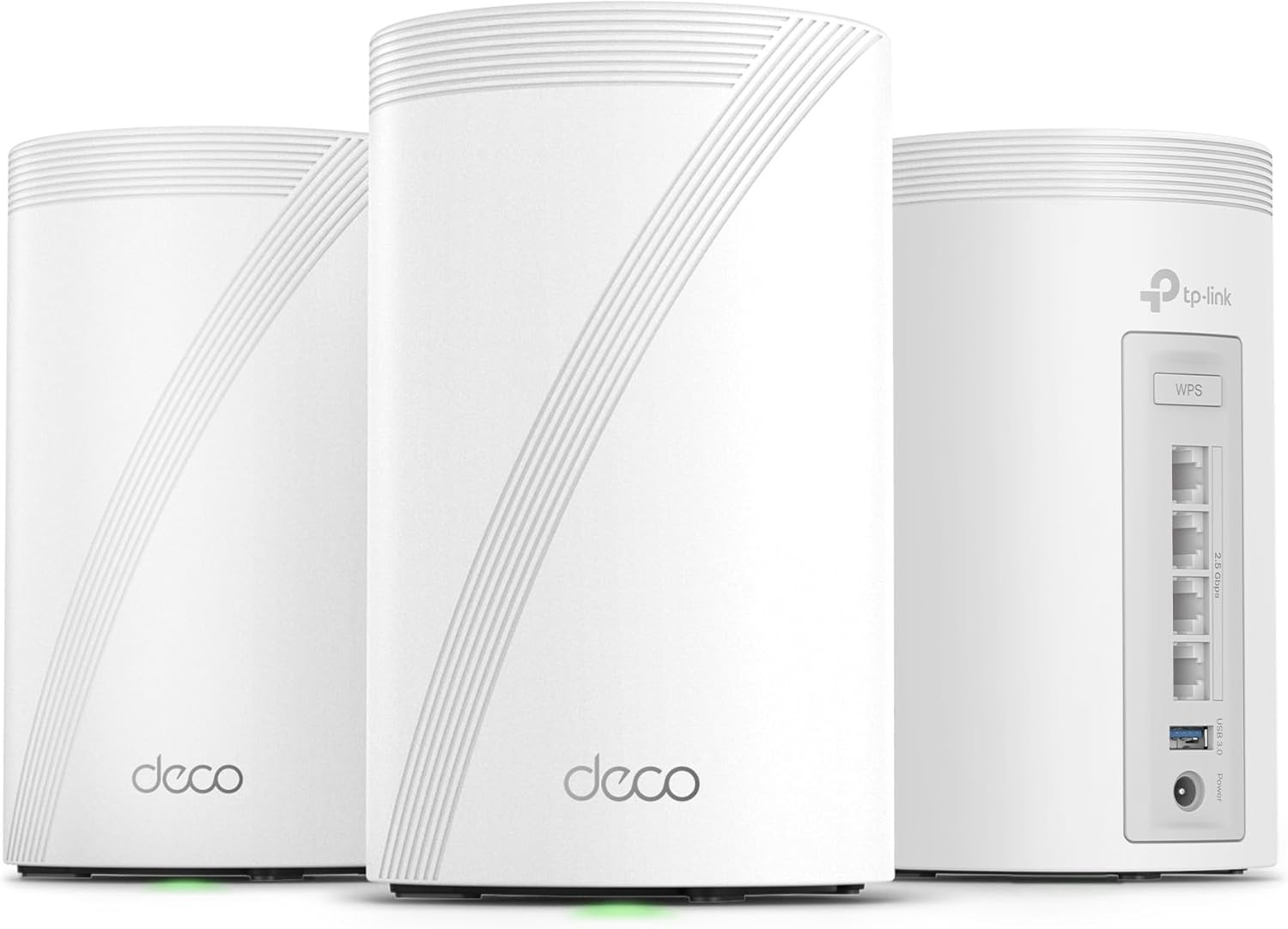
TP-Link Deco 7 Pro, tri-band Wi-Fi 7
Wi-Fi 7, tri-band and 10 Gbps in the spec. That is worth paying for if you have a multi-gig plan or you are wiring backhaul between floors, and wasted money if you are not.
Watch out1,264 ratings is the thinnest record here — not long enough yet for a failure pattern to show up.
What actually matters here
- 01The advertised speed is every radio in the box added together. A device connects to one band at a time, so read those numbers as a class label, not as throughput you will ever measure.
- 02Wired backhaul changes mesh more than any spec on the box. A single Ethernet run to the far node keeps full speed there; without it, the node splits its airtime between talking to you and talking to the router.
- 03Tri-band is the wireless version of that fix: a dedicated radio for node-to-node traffic. If you cannot run Ethernet and the far node is more than a room away, this is the specification to pay for, not the Wi-Fi generation.
- 04Node count beats node power. Three modest units spread across a floor plan will usually beat two expensive ones, because the thing in the way is walls, not radio class.
- 05Wi-Fi 7 only pays off when the whole chain is fast: a multi-gig plan, a 2.5 Gbps or better port, and client devices that speak it. Otherwise it is a quicker link to the same internet.
- 06If the system sits behind an ISP gateway, check whether that gateway can run in bridge mode. Two routers in series means double NAT, and game consoles and VPNs are the first things to complain.
Questions people actually ask
- How many mesh nodes do I actually need?
- Count floors and walls rather than square feet. One node per floor is the usual starting point, plus one for a detached space like a garage or finished basement. Adding nodes past that does little, since each extra wireless hop costs some speed.
- Is Wi-Fi 7 worth buying yet?
- Only if your plan is faster than about a gigabit or you already own Wi-Fi 7 devices. The real gains come from wider channels and multi-link operation, and both ends have to support them. On a 300 Mbps plan a Wi-Fi 6 system feels identical for far less.
- Will a mesh system fix slow internet?
- Not if the whole house is slow. Mesh fixes rooms where the signal dies, not the speed of the line coming in. Test on a device sitting next to the router first; if that is slow too, no router will help.