Laptops for everything-except-gaming, priced sensibly
The Acer Aspire 3 is the sane default for ordinary work, the cheapest machine here is a false economy, and the MacBook Air is for one specific buyer.
We earn a commission if you buy through our links, at no cost to you. It never decides what makes the list.
Side by side
The picks

Acer Aspire 3, Ryzen 3 7320U, FHD
The cheapest machine here that names its processor, its screen resolution and its storage type in one listing: a Ryzen 3, a Full HD panel and an NVMe SSD. It also carries the largest rating pool on this page.
Watch out128GB of storage fills quickly once Windows and Office are installed.

15.6" Windows 11 laptop, 12GB RAM and 256GB SSD
Twelve gigabytes and a 256GB SSD for less than the name brands, which is the right shape for light office work and the most storage per dollar on this page.
Watch outStruck through from $559.99, a seller-set list price, and the unnamed CPU is the spec that matters most.
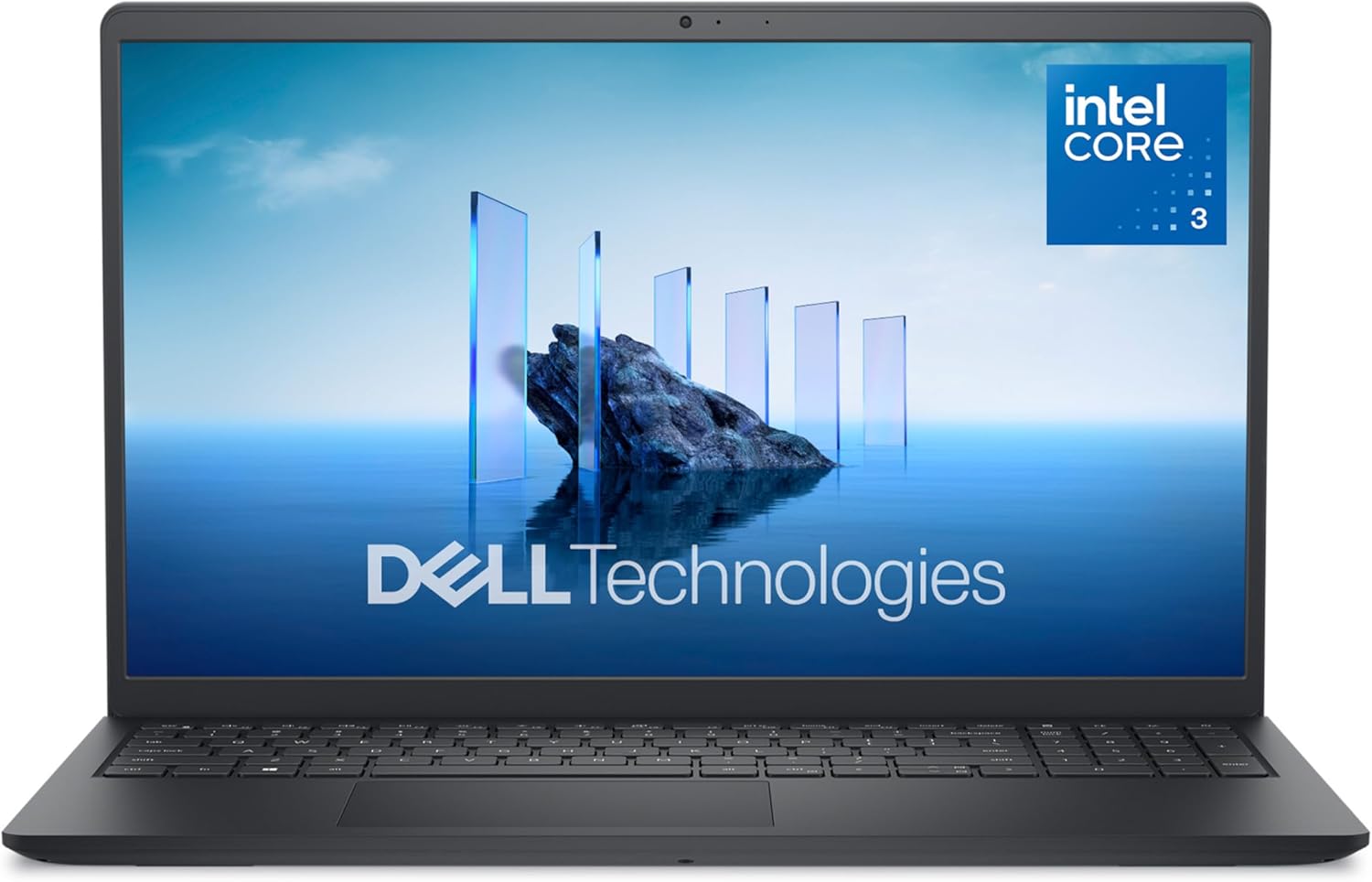
Dell 15.6" Core 3 100U, FHD screen
A named Intel chip, an FHD panel and 8GB of memory, from a brand with a support line behind it. The Acer offers the same shape for less, so this is the pick only if the badge and the support matter.
Watch outThe listing never states storage size or type, and its 812 ratings cannot tell you which drive arrives.

HP Pavilion 15" FHD, 8GB and 256GB
An FHD Pavilion with 8GB and a 256GB SSD, which is a sensible specification at a price the Acer undercuts. The listing names no processor, only "Intel Processor", which is the one thing you would want to know.
Watch out518 ratings is the thinnest record on this page, too new to show a failure pattern either way.

Lenovo 15.6" FHD, 8GB DDR5
DDR5 memory is the one spec here that is genuinely newer than the rest of the field, on an FHD panel with a 128GB drive. It carries a 4.6 average on a record of a few hundred ratings.
Watch outAnother unnamed "Intel Processor", 128GB of storage, and a $799 list price we would not vouch for.

HP 15.6" Ryzen 3 7320U, 256GB SSD
The same Ryzen 3 as the Acer with twice the storage and a touchscreen, for well over a hundred dollars more. The touch layer is the reason, and on a clamshell it is rarely worth paying for.
Watch outHD on a 15.6-inch panel means 1366x768, not FHD: the lowest stated resolution here.

15.6" N4020 laptop, 4GB RAM and 128GB eMMC
Four gigabytes of RAM and eMMC storage under Windows 11 is below what the operating system needs to feel responsive. It carries the highest average on this page, at 4.8 across 2,015 ratings, which says more about expectations at this price than about the machine.
Watch outThe N4020 is a dual-core Celeron from 2019, and memory on machines like this is usually soldered.

Apple MacBook Air 15", M5, 16GB and 512GB
Nearly three times the price of anything else here. It buys the M5, 16GB of memory, a 512GB SSD and the fanless Air chassis. Worth it if you keep a laptop five years and work on it every day.
Watch out672 ratings on a 2026 model, so nothing is yet known about this revision in the long run.
What actually matters here
- 01Windows 11 technically runs on 4GB of RAM. Eight gigabytes is the practical floor for a browser and Office at the same time, and 16GB is what keeps a machine useful four or five years out.
- 02eMMC is not an SSD. It is the flash used in phones and cheap tablets, far slower on sustained reads and writes, and it is the single biggest reason a budget laptop feels sluggish.
- 03A listing that calls a processor AI or fast without naming the model is hiding the model. Find the exact chip name before buying; if the listing will not give one, assume the cheapest part that fits.
- 04Resolution words matter. HD on a 15.6-inch screen is 1366x768 and FHD is 1920x1080. That gap is the difference between two documents side by side and one.
- 05A 128GB drive is about half full after Windows, Office and a year of updates. If the listing only offers 128GB, plan on an external drive or pick the 256GB version.
- 06Laptops in this range have integrated graphics only. That is fine for video, spreadsheets, browser-based games and older titles, and it is not a gaming machine no matter how much RAM is fitted.
Questions people actually ask
- How much RAM does a Windows laptop actually need?
- Eight gigabytes is the working minimum for Windows 11 with a browser and Office open together. Sixteen is the number to want if you keep dozens of tabs, edit photos, or plan to keep the machine for years. Four is enough for one app at a time.
- Is eMMC storage the same as an SSD?
- No. eMMC is slower flash, usually soldered to the board and sold in 64GB or 128GB sizes. The same laptop with an SSD will boot faster, install updates faster, and open large files faster. Treat eMMC as a warning sign, not a storage spec.
- Do I need a touchscreen on a Windows laptop?
- Only if the hinge folds back into a tablet position. On a standard clamshell the touch layer mostly adds cost, weight and a glossier panel that catches reflections. Put the money into screen resolution instead.